
St. Cloud Busted Mugshot Path
St. Cloud sits in Osceola County as its other incorporated city, home to an estimated 65,974 residents in a 2024 BEBR figure reproduced in the county's FY2024 financial report. The St. Cloud Police Department answers calls and makes arrests inside city limits. Out in the wider area, the Osceola County Sheriff's Office and state agencies can also enforce the law. So check the arresting agency and the exact spot rather than trusting a city or county label alone.
When a St. Cloud Police arrest leads to jail time, the case moves to Osceola County Corrections. You can spot these cases in the official Daily Arrest Report, where rows tagged "By Agency: SPD" trace that booking path. Corrections, not the Sheriff and not the city, runs the county jail, takes the booking photo, tracks current custody, and handles jail-record requests. The city keeps whatever report its own officers wrote. A full search often means asking both agencies.
St. Cloud Activity Report History
St. Cloud opens up more city-level activity data than Kissimmee does. The dates matter a lot here. The official archive of Police Activity Reports held week-bounded PDFs from July 6-12, 2023 through June 6-12, 2024. Gaps show up within that range. Nothing newer has appeared. Treat it as a historical weekly archive, not a live arrest log, a current booking feed, or a running set of mugshots.
The official St. Cloud Police Activity Reports archive is the place to look:
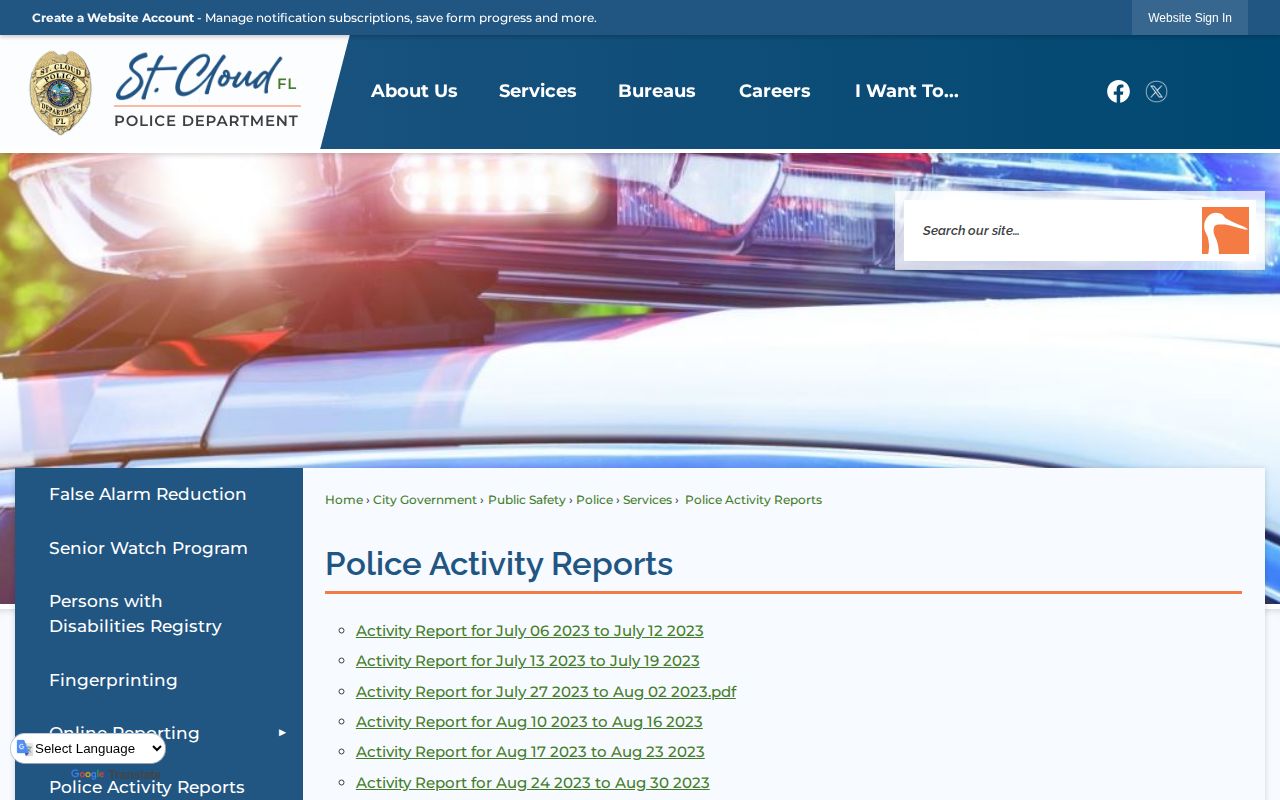
The archive's reach is fairly narrow. It shows the department reported activity during a given week. It cannot tell you whether a person sits in jail right now. Nor can it replace the Corrections Daily Arrest Report, which sorts by booking date and lists only arrests that ended in incarceration. A police activity report may cover calls that never reached the jail. A county booking may stem from a different agency's arrest entirely. Know the difference before you lean on either one.
Note: The last visible weekly activity report ended in June 2024, so verify the archive before describing any later publication practice.
Where St. Cloud Busted Mugshots Appear
The official county booking tools and city record channels are your strongest sources. Need a photo or a custody answer? Start with Corrections. Then ask the Police Department for its own report. Check the Clerk for how the case ended. St. Cloud's city tools add useful activity context, but neither is the county jail roster. Don't expect booking photos there.
| Channel | Photo? | Status | What it establishes |
|---|---|---|---|
| Corrections Daily Arrest Report | Yes | Official | A date-selected arrest leading to incarceration, including SPD-coded rows. |
| Current Inmate Population | Yes | Official | Whether a person remains in Osceola County Corrections custody. |
| Police-to-Citizen | Not a jail photo feed | Official | Public city incident and statistics functions. |
| Police Activity Reports | Not a mugshot gallery | Official, historical | Archived weekly city activity through the last verified June 2024 report. |
| Police Records Unit | As responsive records allow | Official | The SPD-created incident or arrest report. |
| Local news and aggregators | Sometimes or often | Secondary | A possible lead that requires county and court verification. |
Want the county's search mechanics and report fields in detail? The Osceola County booking records hub lays it all out. No verified sheriff smartphone app offers an alternate inmate-photo search. VINELink can send custody-status notifications where offered. Still, it won't serve as a St. Cloud booking archive. Treat it as an alert service, not a lookup tool for booking photos.
St. Cloud Police Records Online
The Police Department links out to an official Police-to-Citizen portal built for public incident and statistics queries. It helps when your question is about police activity rather than jail custody. What it is not: a live municipal booking feed. It cannot replace County Corrections, and a portal result never proves that a person remains detained.
The city links to the St. Cloud Police-to-Citizen home:
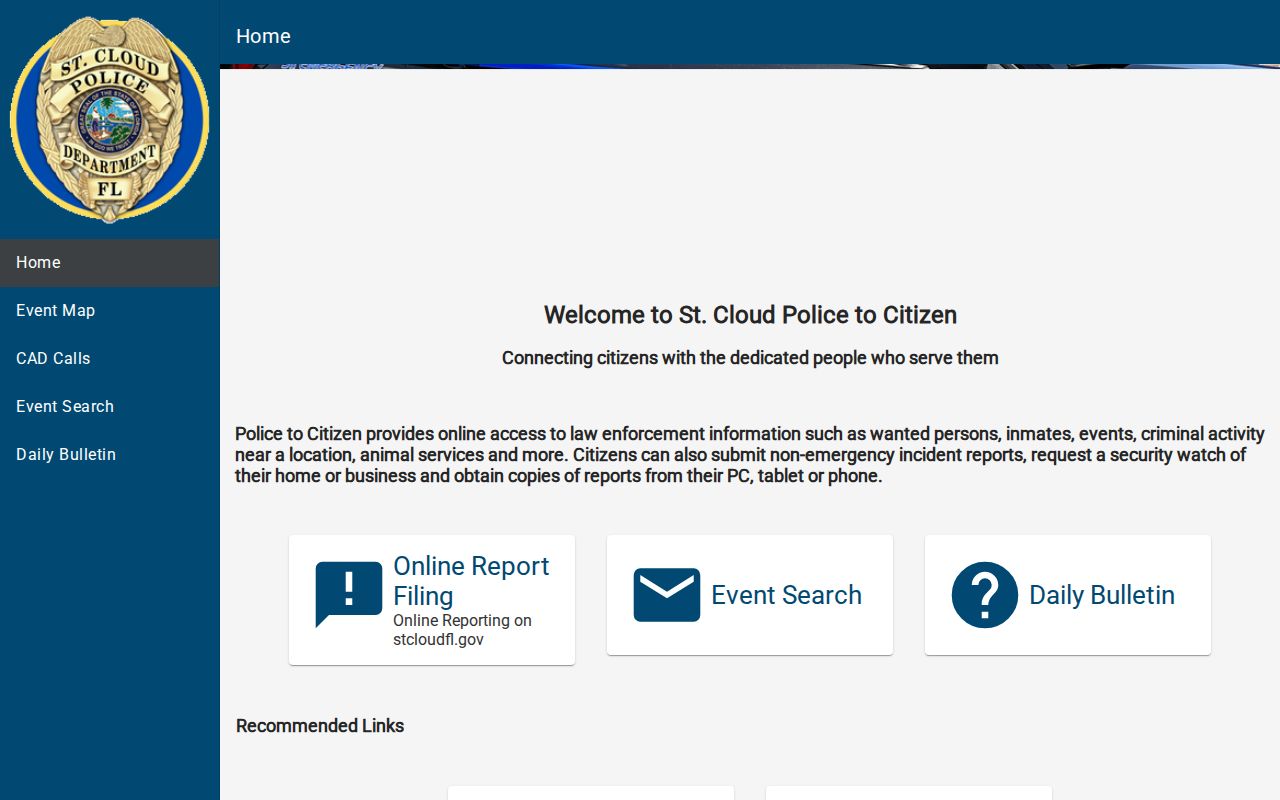
This portal gives St. Cloud a city-specific route that other Osceola municipalities lack, though its scope stays within police information. Need a booking image? Go to the county daily report or the current roster. Need a full city-created report? Contact the St. Cloud Police Records Unit. Need to know what happened in court? Search the Osceola Clerk record. Following that order keeps a city incident entry from being mistaken for a jail status or a final outcome.
St. Cloud Busted Lookup Steps
Start with the best event date you know and an exact name. See "SPD" on a report? Compare that agency code against the county booking row. Match the birth date and booking number too, since names repeat more often than you'd think. A photo alone is not a safe identity check.
- Open the official Daily Arrest Report, choose the likely booking date, and look for an SPD-coded row with matching identifiers. The page covers only arrests leading to incarceration.
- Use Current Inmate Population when the question is whether the person is still held. Open the detail to compare the photo, aliases, descriptors, booking number, charge rows, and bond.
- Check Police-to-Citizen or the historical activity archive only for city police context. Do not substitute either one for the county booking destination.
- When an online date has rolled off, use the Corrections jail-record request route and ask for the booking record and photograph by name, date, and known identifier.
- Search the Osceola Clerk criminal case record for filed charges, docket events, and disposition. The jail's booked wording may not match the later prosecution.
The current roster updates several times a day and drops people once they're released at the next refresh. No source promises an exact posting delay after intake. The date-based report can stay visible long after a release, so its presence proves a booking-day record, not present custody. If the person later moved into Florida prison or state supervision, turn to the Florida Department of Corrections search for that stage. That's a state tool, not a city arrest lookup.
St. Cloud Busted Arrest Requests
Two different offices handle St. Cloud busted arrest paperwork. The St. Cloud Police Records Unit takes requests by phone, in person, by mail, or email. The city's own page warns that broad asks cost more and take longer, though it lists no set fee or firm deadline. So narrow your request. Give the incident date, the location or address, any names involved, and a report number if you have one. Ask for the SPD incident or arrest report rather than "all records."
Booking files live somewhere else entirely. Photo and jail record requests go to Osceola County Corrections through JustFOIA, or you can call Corrections Records at 407-742-4411 to get routed. The county quotes charges only after reviewing your scope. Don't expect the city unit to hand over a Corrections file, or Corrections to dig up city investigative records.
4700 Neptune Road
St. Cloud, FL 34769
Phone: 407-891-6700
Records email: a-pdrecordsrequest@stcloudfl.gov
Records hours: Monday–Friday, 8 a.m.–5 p.m., excluding holidays
Records custodian: Nadine Zilke
Check the official Police Records Unit page before filing anything. Contacts and procedures shift over time. One tip saves headaches. Keep both numbers handy: the city request number and the county booking number. Each points to a different file. Having the right one helps the custodian pull your St. Cloud arrest record fast, without sending you back and forth.
St. Cloud Arrest News Sources
Start with official sources. Once those are covered, local news adds useful context about what happened. Around Osceola runs a St. Cloud hub. Positively Osceola keeps a St. Cloud category. El Osceola Star covers the city and county with Spanish-forward reporting. One verified El Osceola Star story described a St. Cloud search that ended in arrests, a good example of its periodic coverage. These outlets pick which events to report and sometimes use agency-supplied photos. They are not police logs or complete rosters.
The wider Osceola County arrest news page spells out the difference between editorial sources and official records. Orlando television and regional outlets are selective too. A story's timestamp rarely matches the actual booking time. Agency releases often miss later changes. So trace each report back to SPD. Compare the county booking record if the person was jailed. Follow the Clerk's docket for the outcome.
County-level aggregators sit at the bottom of the list. Busted Newspaper, Recently Booked, Mugshots.com, and Arrests.org sometimes carry SPD-attributed entries. None is official. Busted Newspaper and Arrests.org update on a rolling basis. Recently Booked shows a 30-day window and refreshes several times daily, though its boilerplate about sheriff-run jails is wrong for Osceola. Mugshots.com looks frozen around October 2020. Treat it as a stale archive at best.
Aggregator records get duplicated, mislabeled with the wrong city, or left online after the official version changes. They work best as clues for a date or spelling. Confirm custody with Corrections. Confirm the case result with the Clerk. Mugshots.zone has no genuine Osceola section. No third-party city label should ever outrank the official SPD code and source record.
Note: A county-level listing does not prove an arrest occurred inside St. Cloud, even when the page assigns a city name.